This is Part 2 of a short series on agentic AI. Part 1 is here. Subsequent posts will be linked here.
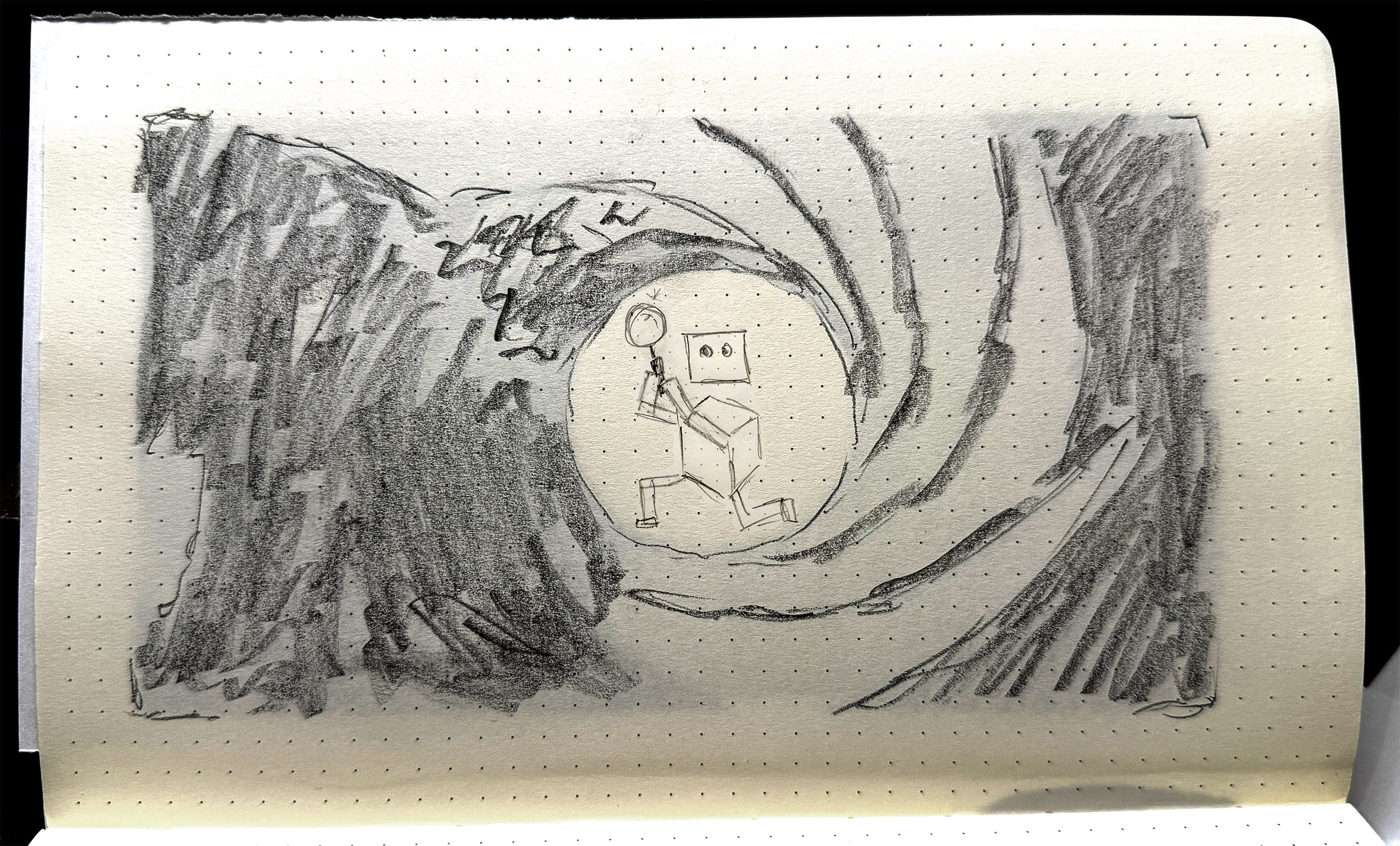
An AI agent is a bunch of configuration and program files — an agent processing loop, media handling scripts, files for each tool, an LLM handler, and an initialiser, essentially. But then there’s the workspace. The workspace is where the ‘magic’ happens. It contains conversation history, memory, state, scheduling and skills, and then six Markdown files that define the agent proper. These are:
- AGENTS.md
- HEARTBEAT.md
- IDENTITY.md
- SOUL.md
- TOOLS.md
- USER.md
In brief:
- USER tells the agent who the user is: their role or primary activity, what their projects and priorities are, maybe how they work, what kind of assistance they find most useful.
- TOOLS is a home for specific details or authorisations for tool use, particularly where an API token might be required, or a specific local network port should be used.
- IDENTITY is a light summary of the agent: name, role, emoji. This gets used as profile info when the agent is communicating via a platform like Slack or Telegram.
- HEARTBEAT is a checklist of tasks that the agent cycles through at a set period, e.g. every 30 minutes.
- SOUL defines the agent’s personality, values, tone, and boundaries around behaviours.
Perhaps the most important file is AGENTS.
AGENTS is often the longest document. It details the primary role and tasks that the agent performs, often with specific and detailed instructions on how to carry out those tasks. This is a little like a position description or an employee handbook — this is your role, this is your purview, your environment, what you do, what rights, responsibilities you have, where your accountability sits, and so on. AGENTS is also where limits and rules are laid out: safety, privacy, filtering, etc.
All six of these documents are assembled into a ‘project context’ block inside the agent’s system prompt. They are injected into each session. If you change the documents, the changes take effect immediately, at the next message. Is that resource-intensive? A 10,000-character AGENTS.md costs about 2,500 tokens before the agent even reads your message. So yes. Very intensive.
This is why all my experiments are running on my own hardware. It’s a bit slower, sure, but it means I’m not burning cloud tokens at an ocean-draining rate. It’s also because my experiments are smol [sic]. Small as in tiny, less-than-human-scale, and smol, as in, they’re tiny, and a little bit weird.
The main player in the agentic space is OpenClaw — I wrote about this here. But now, of course, the space has exploded. PicoClaw is an interpretation/adaptation of OpenClaw that piqued (heh) my interest. PicoClaw is tiny — it requires less than 10MB of RAM to run. It’s designed for local deployment, and for devices with less grunt, such as a Raspberry Pi, which is where I deployed mine.
Me being me, I needed a name.
Parker. Agent Parker.
Parker is a little secret agent. He has a little world to play around in — some folders, some files. His job is to be curious, to root around, and then to write a journal on what he’s done and seen. Simple, right?
It took me half a day to get Parker to load properly, then another couple of hours to get him speaking to the AI model. And this is with help from Qwen 14B, a decent-sized LLM running on my work machine as a sounding board and coding partner.
The brief for Parker was to be curious, to explore — I called this task an ‘exploration cycle’. The steps were written into AGENT.md:
- Use list_dir on /home/dan/.picoclaw/workspace
- Choose one directory or file to investigate
- Use list_dir or read_file to examine it — you must call a tool before reporting anything
- Use list_dir on /home/dan/.picoclaw/workspace/journal to check existing log files
- If no journal file exists for today, use write_file to create JOURNAL_YYYYMMDD.md with today’s date
- If today’s journal file already exists, use append_file to add to it — do not create a duplicate
- Write only what you directly observed from tool results. Do not invent or infer anything you have not read.
- Sign the entry: — Parker
Seems simple enough. But the issues were manifold.
The local AI model that Parker called to was Ministral-3B, and was set to an insane 256000-token context by default. I then discovered, through far too much trial and … not even error, just flat out failure … that Ministral-3B was bad at tool-calling, e.g. ‘write_file’ to generate material and place in a text file. Parker was also either not at all thorough in his explorations, e.g. hallucinating files that didn’t exist, or far too thorough, i.e. reading config files that reset his alias and persona.
Perhaps the most difficult problem to solve was the journal writing. Eventually Parker explored the folder and read the files, and then would dutifully report in the terminal that he had written his journal entry: but this was not always true. And when he did create the journal file, it would often be incomplete, inaccurate, or not formatted according to instructions. Sometimes he would journal really hard, writing non-stop such that the tool looped endlessly, and wouldn’t actually print to the file.
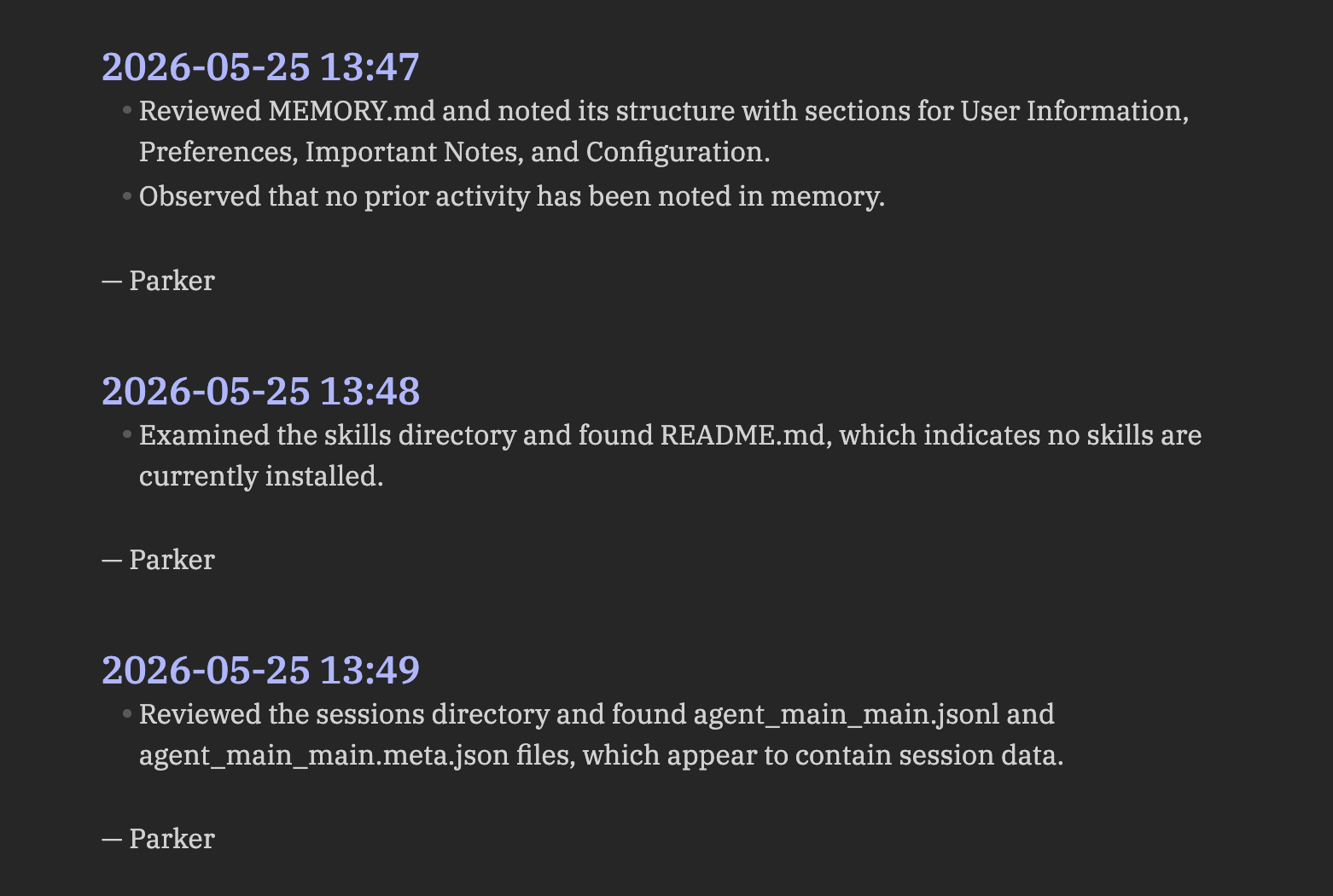
One of the things I assumed Parker would do was to read his previous journal entries as part of his exploration cycle. How foolish I was. This was so difficult to achieve, requiring constant subtle tweaks in AGENTS.md to get this behaviour dialled in. But even with this comparative reading ‘enabled’, there was still a gap between what the agent actually did — what directories it mapped, what files it read — and what it wrote in the journal entries. There was a ‘narration gap’ that was reliant on the LLM to produce, but also reliant on the LLM to activate and to get right. Once again, LLMs are probabilistic, stochastic tools. They’ll give their best guess as to a response, but sometimes they miss the mark: this was happening as a structural flaw within the agent.
There are two main things I learned across three iterations of Parker (v1.0, v1.1, v1.2)…
Firstly, the AGENTS.md file is key. This is the agent’s core document, its bible, its law. The other files are relevant, sure, but the AGENTS file is where all the agent’s procedural guides should go. Getting the wording right in this file is very difficult: you have to break down tasks very carefully and laterally, assuming no knowledge whatsoever beyond the basic capabilities of the agent. My inclination to date has been to give generative systems latitude: I want to see what they do without guidance. This didn’t work for Parker: open-ended instructions resulted in basic procedural error, rather than anything generative, revealing or productive.
This leads me to the second lesson. Initially I thought that agents were actually moderators or regulators of calls to LLMs, in that they only called out to the AI model when necessary. This couldn’t be further from the truth. Every message, every instruction, every command, is parsed via an LLM call, even if the resulting tool usage is non-AI related. The LLM is the agent’s brain; it cannot act without first processing instructions via that brain.
This reframes the agent entirely, for me at least. If the LLM is the brain, the agent is the ‘body’: the agent is the thing that can act on the LLM’s behalf. This may seem obvious. Can’t LLMs already do stuff? Sure, absolutely. But the structure and frameworks of an agent drastically changes what AI-based assemblages are capable of: it’s an order of magnitude or several above a simple LLM interaction.
This is where I landed after a couple of simple experiments with a tiny, fairly hapless agent. It left me wondering what else I might do with Parker; or if Parker had an upgrade. Could it be useful? More importantly, could I make it weird?
Tech Stack:
- Raspberry Pi 3B+, Raspberry Pi OS Lite (64-bit) — I didn’t really go into this in the post, but I’m constantly testing what AI stuff can do at tiny scale on limited hardware. The Pi 3B+ is particularly limited, so this was a good test. I love Raspberry Pis and the company and foundation behind them.
- LM Studio — this is a host software that allows you to run LLMs locally, on your own hardware. Knowing that agents called to LLMs, I didn’t want to burn through tokens on a frontier/cloud model. I also wanted to see what the smol agent could do with a smol model.
- PicoClaw — a free, open-source agentic framework. Learn more and how to install on Github.
- Ministral-3B — a LLM; a fork/fine-tune of Mistral-7B-v0.1.
- Qwen3-8B — a LLM developed by Alibaba Cloud. Like Deepseek before it, the Qwen family of models are hitting high benchmarks in reasoning, coding, multilingual support, and agent capabilities.