The Clockwork Penguin

Daniel Binns is a media theorist and filmmaker tinkering with the weird edges of technology, storytelling, and screen culture. He is the author of Material Media-Making in the Digital Age and currently writes about posthuman poetics, glitchy machines, and speculative media worlds.

Tag: DIY

  • As If: DIY Religion Generator

    Continuing the little riff I’m on around generativity as a broad phenomenon and concept rather than something specific to AI, here’s something I concocted earlier this year. If it’s not immediately apparent, I was reading some Pratchett and other stuff around tech-mysticism and fake religions. It fits into my usual worldbuilding-type shtick: instructions/a template to roll up your own religion/faith/spiritual tradition, complete with deity, commandments, and sacred texts.

    I’ve run through this a few times, resulting in…

    The Followers of the Radiant Zindle Biscuit, a luminous and fragile deity who is possibly made of shortbread. One of their sacred texts is the Parable of the Cautious Dunk, which reads as follows:

    The Biscuit once met the Milk.
    The Seer had warned them.
    “Why avoid me?” asked the Milk.
    “Because I will crumble,” said the Biscuit.
    And yet, side by side they stood.
    And it wasn’t too bad, all things considered.

    Also, The Followers of the Glorious Mungus Orb, whose devotees must count all the spoons in the house, then carry this number with them for a whole week. Furthermore, dictionaries are forbidden unless it’s your birthday, and teeth must be buried.

    I took this later one a little further and thought about who might be involved in such a faith. From this emerged Moon-Sister Margle, who confiscates dictionaries throughout the year, but gives you a specially chosen one on your birthday. There’s also Buck Stapleton, a self-appointed GMO preacher (influencer) and webmaster of the Unofficial Glorious Mungus Orb Online Portal (UGMOOP) — the Portal displays a Live Spoon Tracker that counts every spoon Buck has seen since 2001.

    Aaaaaaanyway. Give it go! Have fun!
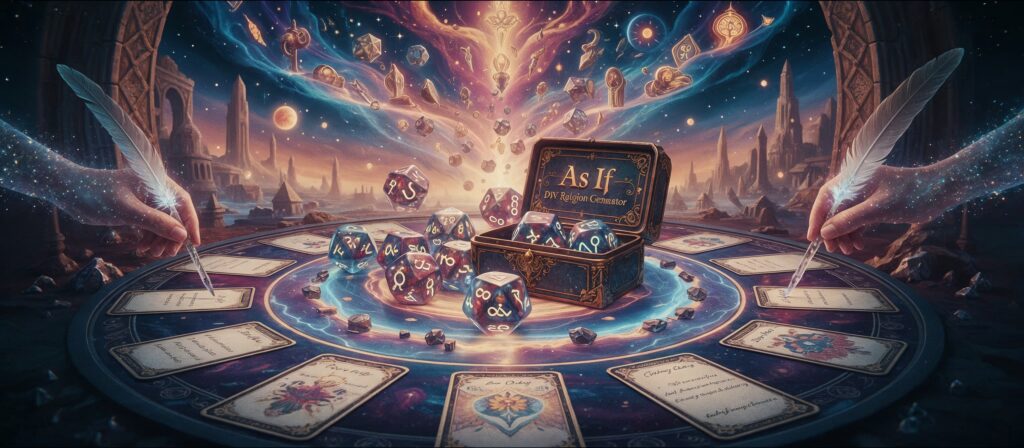

    Image generated by Leonardo.Ai, 17 November 2025; prompt by me.

    ‘As If’ is a solo roll-and-write ritual for building a faith that is definitely real.

    To build your faith, you’ll need 3D6, a standard deck of playing cards, and probably something to write with and on.


    Opening Scroll

    You are the last in a long line of clerics.

    The previous cleric — the one who was supposed to teach you everything — has perished in an unfortunate incident involving…

    Roll 1D6

    RollIncident
    1sacramental wine and a building site
    2a wager with ne’er-do-wells in the tavern
    3one too many of the cook’s crème éclairs
    4an unsupervised baptism in the town fountain
    5three goats, a ladder, and bad timing
    6a failed attempt to canonise a loaf of bread

    All that remains is this DIY religion kit. With its fragments and a few rolls of the dice, you must recreate the town’s central belief system and have it ready for next week’s… well, whatever the worship session is called. That’s your job to figure out.


    Game Structure Overview

    1. Generate Deity

    2. Commandments Phase

    • Generate Commandment 1
    • Generate Commandment 2
    • Generate Commandment 3
    • Create Sacred Symbol #1
    • Generate Commandment 4
    • Generate Commandment 5
    • Generate Commandment 6
    • Create Sacred Symbol #2

    3. Ritual Texts Phase

    • Generate Psalm 1
    • Generate Psalm 2
    • Generate Psalm 3
    • Generate Psalm 4
    • Create Sacred Symbol #3

    4. Found the Faith

    • Name the Faith
    • Perform the Consecration Rite
    • Begin faith duties

    Each session produces:

    • 1 Deity
    • 6 Laws
    • 4 Psalms
    • 3 Symbols
    • 1 Faith Name
    • 1 Household Object that is now very sacred

    Step 1: Generate Your Deity

    Roll 3D6, one per table.

    Descriptor

    RollDescriptor
    1Glorious
    2Whispering
    3Stubborn
    4Infinite
    5Sticky
    6Radiant

    Nonsense Word

    RollWord
    1Wibber
    2Plonk
    3Zindle
    4Borp
    5Greeble
    6Mungus

    Sacred Form

    RollForm
    1Gopher
    2Orb
    3Soup or Biscuit (you choose)
    4Blimp
    5Goat
    6Cone

    Result: e.g. The Radiant Mungus Cone


    Step 2: Generate 6 Commandments

    For each Commandment:

    1. Roll 2D6 for the Template

    RollTemplate
    2One must always _
    3You shall keep _ sacred
    4Never be caught _
    5Let no _ go un_
    6Thou shalt not _
    7The faithful shall _
    8_ is forbidden unless _
    9To _ is to honour the divine
    10_ is only allowed when _
    11All _ must be before __
    12_ shall pass, except when _

    2. Generate the Action

    Choose Card Method or Dice Table Method.

    Card Method

    • Suits = Verb Types
    SuitVerb Type
    sense (see, hear, smell)
    emotion (love, fear, worry)
    movement/action (carry, wave, wear)
    abstract/social (swear, trade, confess)
    • Ranks = Noun Types
    RankNoun Type
    2–5body-related
    6–9everyday objects
    10–Aweird/ritual items

    “Fear socks,” “Confess to shadows,” etc.


    Dice Table Method

    Verb (2D6)

    RollVerb
    2whisper to
    3point at
    4avoid
    5clean
    6protect
    7wear
    8feed
    9bury
    10count
    11fear
    12imitate

    Noun (2D6)

    RollNoun
    2doorways
    3frogs
    4soup
    5shadows
    6spoons
    7socks
    8mirrors
    9teeth
    10whispers
    11clouds
    12dictionaries

    3. Roll 2×1D6 for Qualifier

    Qualifier Phrase

    RollPhrase
    1except on
    2unless it’s
    3only during
    4while under
    5unless your
    6particularly if

    Qualifier Condition

    RollCondition
    1your birthday
    2a full moon
    3the soup is boiling
    4your socks are damp
    5someone is watching
    6you ate beans in the last week

    Step 3: Generate 4 Psalms / Ritual Texts

    Roll 1D6 for each Psalm:

    RollPsalm Type
    1Hymn (praise/poetic tone)
    2Liturgical Instruction (ritual guidance)
    3Parable or Myth (short tale with a possible lesson)
    4Blessing (absurd/hopeful encouragements)
    5Repetition (one phrase, three variations)
    6Weekly Task (a divine errand or dare)

    Optional Card Inspiration

    • Suit = theme
      ♠ nature — ♥ emotion — ♣ object nearby — ♦ abstraction
    • Colour = tone
      Red = joyful/absurd
      Black = eerie/cryptic

    Step 4: Create 3 Sacred Symbols

    Generate symbols after:

    • Commandment 3
    • Commandment 6
    • Psalm 4

    Choose a different method each time.


    Method 1: Card Oracle

    SuitDomain
    from nature (moss, pebble)
    of the body (tear, hair)
    around you (pen, sock)
    abstract (glitch, silence)

    → e.g. “The Cone of Remembrance”


    Method 2: Dice Combo

    Descriptor (2D6)

    RollDescriptor
    2Glowing
    3Cracked
    4Forgotten
    5Damp
    6Sacred
    7Gilded
    8Fraying
    9Stolen
    10Soft
    11Humming
    12Invisible

    Form (2D6)

    RollForm
    2Egg
    3Cube
    4Ribbon
    5Orb
    6Key
    7Spoon
    8Mask
    9Shell
    10Cone
    11Nail
    12Fragment

    Method 3: Freeform Revelation

    Create a symbol inspired by what has emerged. Draw it or describe its powers/meaning.


    Final Phase: Founding the Faith

    Part 1: Name the Religion

    RollPrefix
    1The Sacred Sisterhood of the
    2The Followers of
    3The Free Church of
    4The Order of the
    5The Cult of
    6The First Universal Congregation of

    → Append your Deity’s name
    e.g. The Free Church of the Radiant Mungus Cone


    Part 2: Consecration Rite

    Draw one card.

    Suit = Action

    SuitAction
    eat
    poke
    wrap in tinfoil
    place on top of the fridge

    Number = Object

    NumberObject
    2apple
    3paperclip
    4dinner plate
    5banana peel
    6stapler
    7empty mug
    8key
    9remote control
    10spoon
    J/Q/K/Aplayer’s choice (sacred object nearby)

    Gather everyone in the house / office / immediate vicinity. Do not tell them why. If they resist, tell them it is their divine responsibility to come with you at once.

    Once everyone is assembled —

    Recite:

    “In the name of [Deity], and by the power they have vested in me as their mortal vessel here in this realm, I hereby [Action] this [Object] and thus do consecrate — or at least, formally activate — this faith-religion-thing.”

    Then send everyone away immediately.

    Congratulations. You have successfully reassembled the town’s faith. They look forward to hearing your first sermon next week. Best get to writing.

  • Operation Tech Revival, Part 3

    Read Part 1 here, and Part 2 here.

    Obligatory artfully-cropped stock photo of a completely different Macbook model to the one discussed in this post. Photo by Math on Pexels.com.

    Part 3: Give me my MacBook back, Mac.

    2012 was a big year. The motherland had the Olympics and Liz’s Diamond Jubilee; elsewhere, the Costa Concordia ran aground; Curiosity also made landfall, but intentionally, on Mars; and online it was nothing but Konys, Gangnam Styles and Overly Attached Girlfriends as far as the eye could see.

    For me, I was well into my PhD, around the halfway mark; I’d also scaled back full-time media production work for that reason, and was picking up the odd shift at Video Ezy again. It was also the year that I upgraded to a late 2011 MacBook Pro. I think I had had one Macbook before then, possibly purchased in 2007-8; prior to this a Windows machine that was nicked from my inner west apartment around 2009, along with a lovely Sony Alpha camera (vale).

    I can’t believe this image persists on Flickr. Here’s the same machine, with its nice black suit on, in situ during the completion of said PhD!

    The 2011 MacBook served me well until early 2015, when I was given the first work machine, which I’m fairly sure was a late 2014 MBP. I tried to revive the 2011 machine once before, when my partner needed a laptop for study; however, when in early 2020 it took approximately 5 minutes to load a two-page PDF, we thought maybe it was time to put it away. For some reason though, I just held onto it, and it sat idle in the cupboard, until a week or two ago, when I caught myself thinking: what if…?

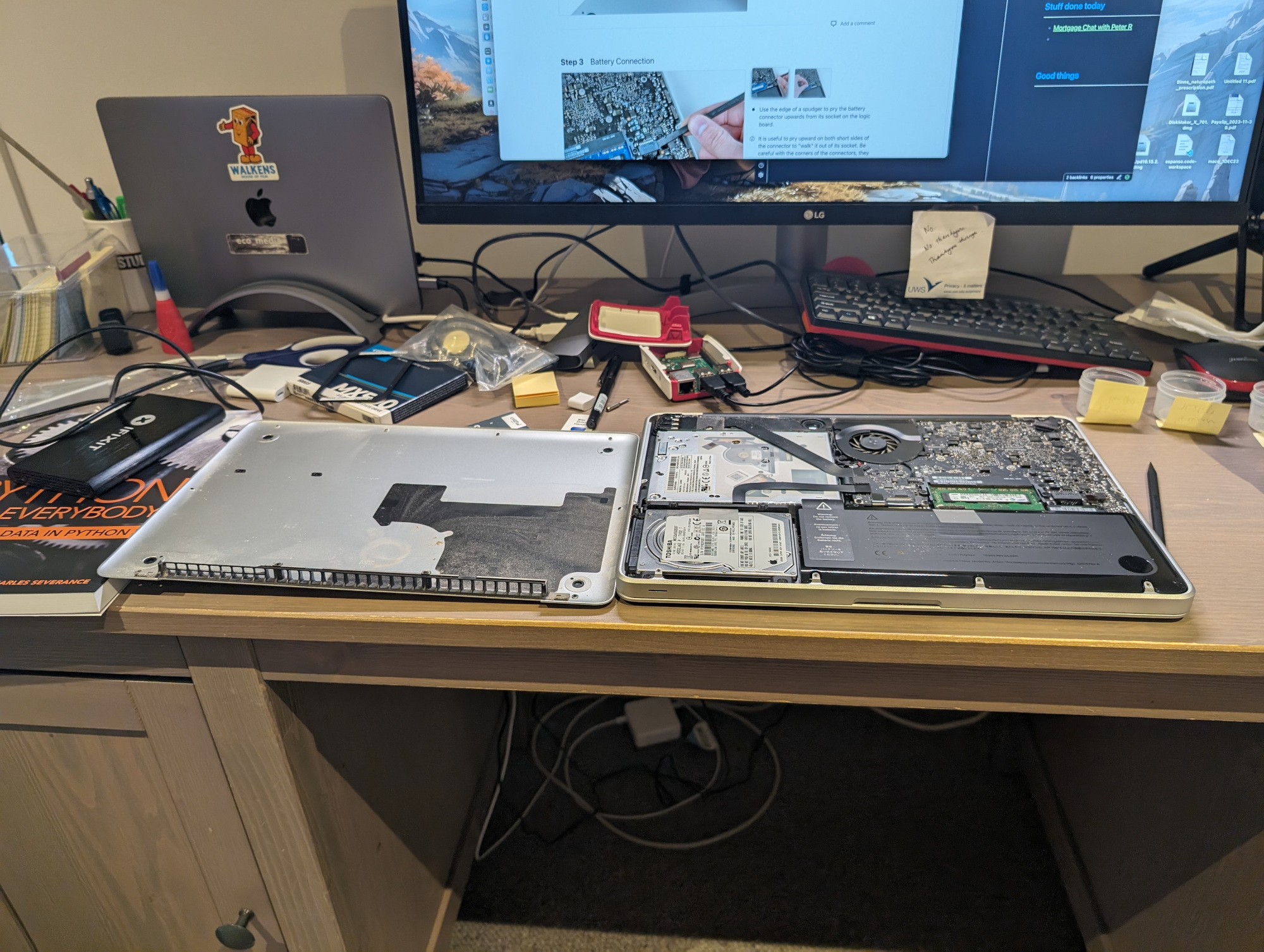
    So having more or less sorted the Raspberry Pi, I turned my attention to this absolute chunkster of a laptop. It’s amazing how the sizes and shapes of tech come in and out of vogue. The 2011 MBP is obviously heavier than the work laptop, but not by as much as you’d think (2.04kg vs. 1.6kg for my 2020 M1 machine), with roughly the same screen size. Obviously, though, the older model has much thicker housing (h2.4cm w32.5cm d22.7cm vs. h1.56 w30.41 d21.24cm). Anyway, some swift searching about (by myself but mainly by my best mate, who also has huge interest in older tech, both hardware and software) led to iFixIt, where a surprisingly small amount of money resulted in an all-in-one 500GB SSD upgrade kit arriving within a few days.

    I aspire to the perfect techbro desktop-fu. How did I do?

    I had some time to kill late last week, so I set about changing the hard drives. It was also the perfect opportunity to brush away many years of accumulated dust, and a can of compressed air took care of the trickier areas. With the help of tutorials and such, all of this took under half an hour. What filled the rest of the allotted time was sorting out boot disks for OS X. Internet Recovery was no-go at first, but with several failed attempts at downloading the appropriately agėd version, I tried once again. No good. Cue forum and Reddit diving for an hour or two, before finally obtaining what seemed to be the correct edition of High Sierra, without several probably-very-necessary security patches and so on.

    Anyway, I managed to boot up High Sierra off an ancient USB, got it installed on the SSD, and then very quickly realised that while the SSD certainly afforded greater speed than before, High Sierra was virtually unusable apart from the already installed apps and a browser. I knew I could probably try to upgrade to Mojave or maybe even Big Sur, but even with the SSD, I wasn’t sure how well it would run; and it was still tough to find usable images for those versions of macOS. But somewhere in my Reddit and forum explorations I’d seen that some had succeeded in installing Linux on their older machines, and that it had run as well and/or even better than whatever the latest macOS was that they could use.

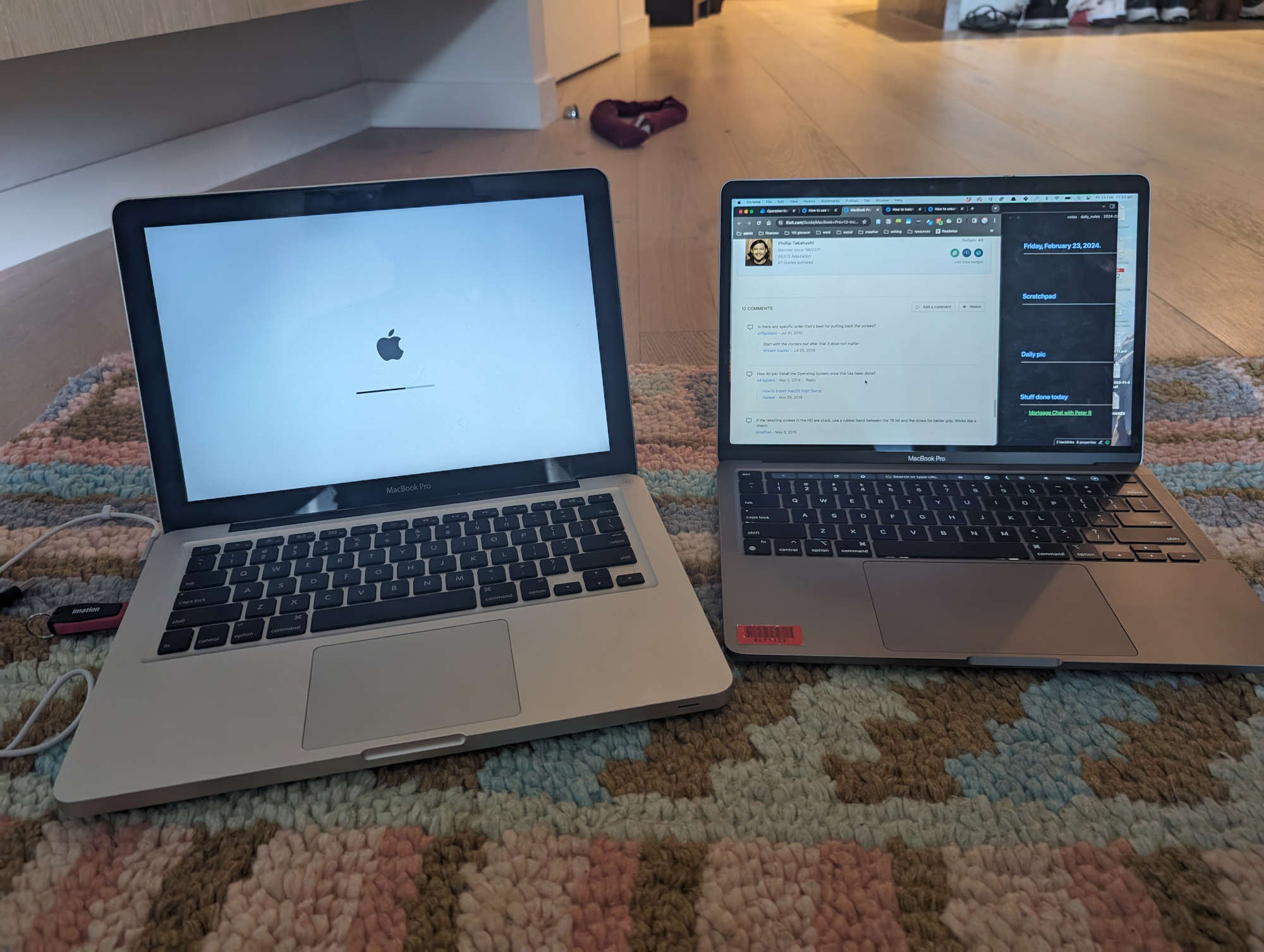
    Two laptops, both alike in backlit keyboard, on fair floor where we lay our scene.

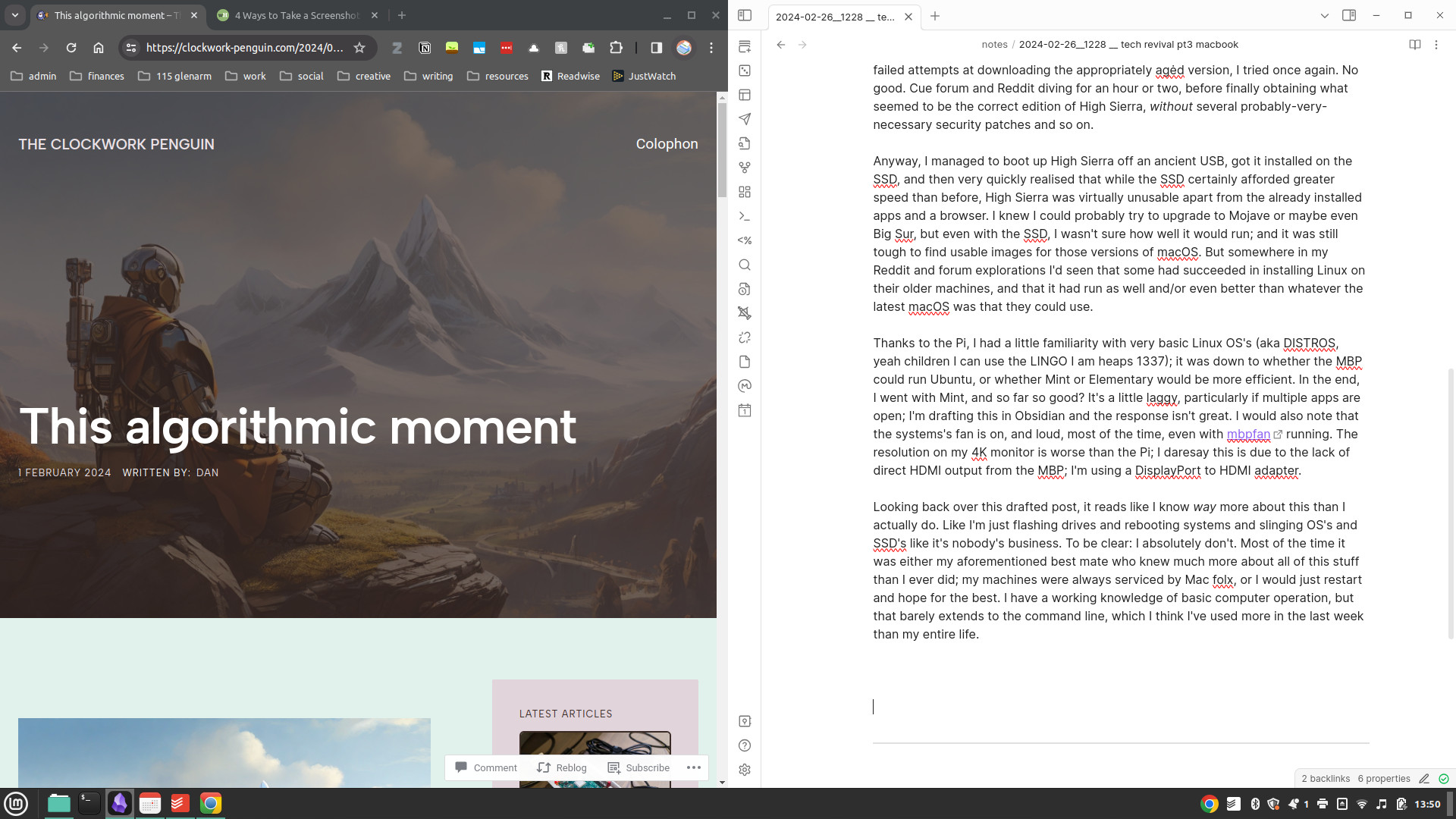
    Thanks to the Pi, I had a little familiarity with very basic Linux OS’s (aka DISTROS, yeah children I can use the LINGO I am heaps 1337); it was down to whether the MBP could run Ubuntu, or whether Mint or Elementary would be more efficient. In the end, I went with Mint, and so far so good? It’s a little laggy, particularly if multiple apps are open; I’m drafting this in Obsidian and the response isn’t great. I would also note that the systems’s fan is on, and loud, most of the time, even with mbpfan running. The resolution on my 4K monitor is worse than the Pi, of course, but this is due to the lack of direct HDMI output from the MBP; I’m using a Thunderbolt to HDMI adapter. That said, maybe I just have to tweak some settings.

    A glimpse behind the curtain.

    In the meantime, it’s been fun to play in a new OS; Mint feels very Windows-esque, though with some features that felt very intuitive to a longer-term Mac user. Being restricted to maybe a maximum of five apps running simultaneously means I have to be conscious of what I’m doing: this actually helps me plan my workspace and my worktime more carefully. I’m using this as a personal machine, so mostly for creative writing and blogging; in general, it affords more than enough power to do a little research, take notes, draft work. If there’s anything more complex, I’ll probably have to shift to the work machine, though I did clock ShotCut and GIMP being available for basic video/image work, and obviously there’s Audacity and similar for audio.

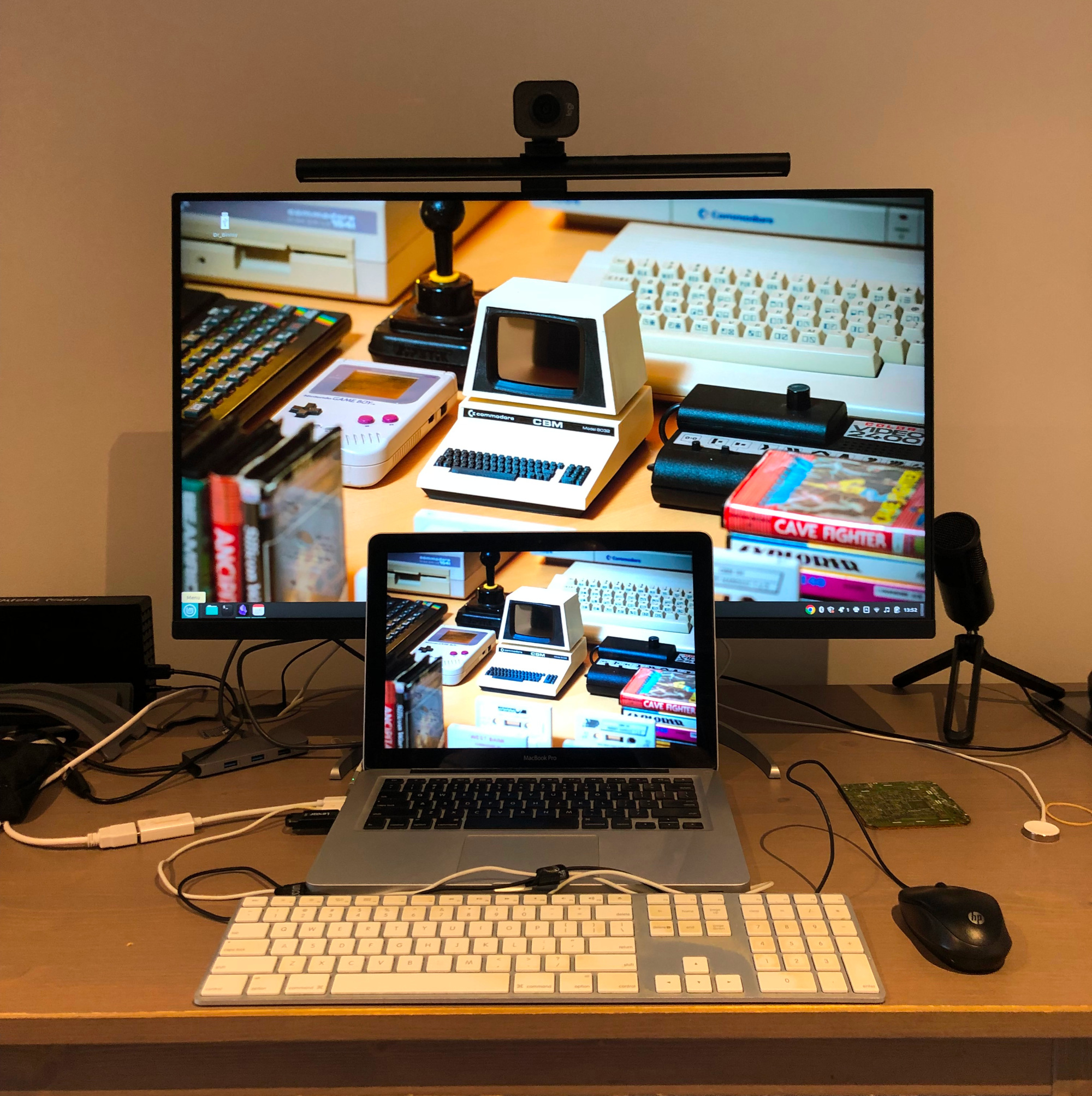
    Physically, the MBP sits flat on my desktop in front of the monitor. Eventually I will probably get a monitor arm, so it can slide back a little further. Swapping it out for my work machine isn’t too difficult; I just have to plug the HDMI into a USB-C dongle that permanently has a primary external drive, webcam and mic hooked up to it. Now that I think of it, my monitor probably has more than one HDMI input, so potentially I could just add a second HDMI cable to that arrangement and save a step. Something to try once this is posted! I’m still in a bit of cable hell, as well, due to just wanting the simplicity of plugging in a USB keyboard and mouse to the old Macbook; over the next week or two I’ll try to configure the Bluetooth accessories for bit more desktop breathing room.

    Behold the crisp image quality of the iPhone 8 (an old-tech story for another time…).

    Apart from these little tweaks, the only ‘major’ thing I want to tweak short-term is the Linux distro; it just feels like Mint Cinnamon may be pushing the system a little too hard. Mint does offer two lighter variants, MATE and Xfce, though I also did download Elementary and Ubuntu MATE. Mint MATE for the MBP, I reckon, and then maybe even Ubuntu MATE on the Pi. To be fair, though, most of the time the machine is struggling, I have Chrome open, so I could also just try a lighter browser, like one of your Chromiums or your Midoris.

    Looking back over this drafted post, it reads like I know way more about this than I actually do. Like I’m just flashing drives and rebooting systems and slinging OS’s and SSD’s like it’s nobody’s business. To be clear: I absolutely don’t. Most of the time it was either my aforementioned best mate who knew much more about all of this stuff than I ever did, or other tech-savvy friends or colleagues; my machines have always been repaired, maintained, serviced by Mac folx, or I would just restart and hope for the best. I have a working knowledge of basic computer operation, but that barely extends to the command line, which I think I’ve used more in the last week than across my entire life. As discussed here, I don’t really code either. Most of this, for me, is just trial and error; I guess my only ‘rules’ are reading up as much as I can on what’s worked/not for other people, and trying not to take too many unnecessary risks in terms of system security or hardware tinkering. The risk in this instance is also lessened by the passing of time: warranties are well out of date and thus won’t be voided by yanking out components.

    As a media/materialism scholar, I know conceptually/theoretically that sleek modern devices and the notion of ‘the cloud’ belies the awful truth about extractive practices, exploited workforces, and non-renewable materials. Reading and writing about it is one thing; to see the results of all of that very plainly laid out on your desk is quite another. One cannot ignore the reality of the tech industry and how damaging it has been and continues to be. In the same vein, though, I’m glad that these particular materials and components won’t be heading to landfills (or more hopefully, some kind of recycling centre) for a little while longer.